
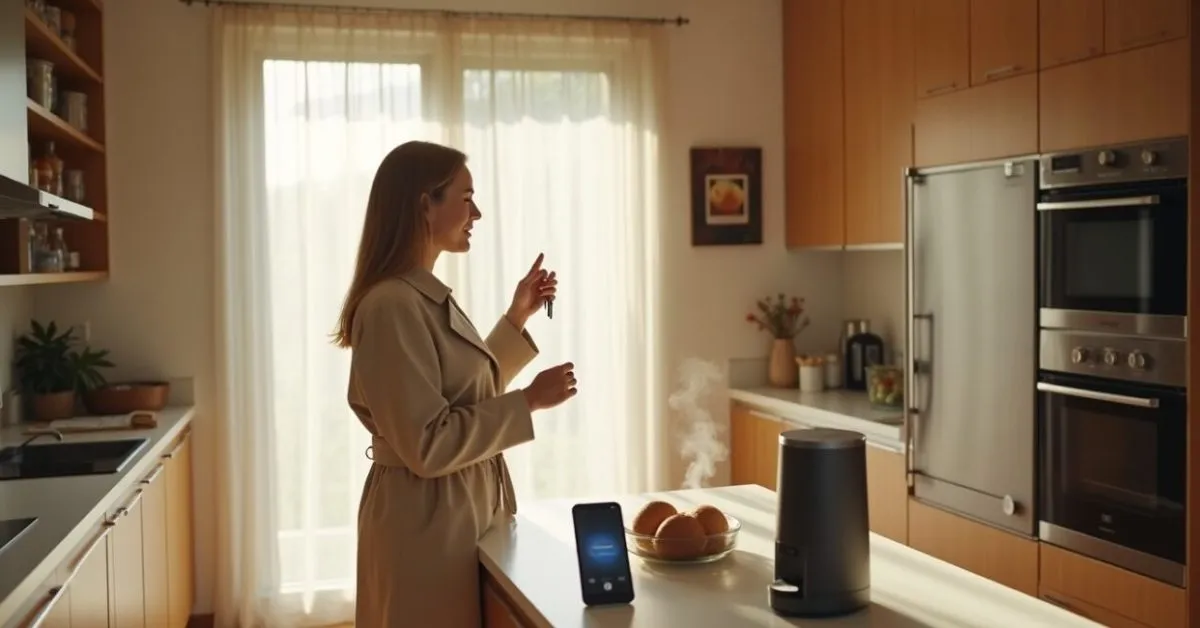
You’re scrolling through your morning feed and land on an applet that turns your Google Home into a morning butler: play the news, brew the coffee, and text your roommate if you’re running late. That’s IFTTT showing up with applets aimed at people who want smarter homes without sinking into complex routines. IFTTT is quietly shifting from power-user toys to straightforward, useful automations that deliver convenience fast — and some of these new applets are worth trying immediately.
The One IFTTT Change That Feels Like an Actual Life Upgrade
IFTTT’s new applets prioritize practical outcomes over gimmicks. Instead of chaining 10 services together, many of the additions do one household chore reliably: link a Google Home command to a real-world action that saves time. Think: say “Leaving now” to Google Home and your smart lock checks the door, kills the oven smart plug, and sends an ETA to a family chat. That’s small friction removed, repeatedly, which adds up to hours over a year.
How These Applets Integrate with Google Home — The Mechanics Simplified
Integration is mostly plug-and-play: connect your Google account, authorize the service, and pick a trigger. Under the hood, an applet listens for a voice trigger or a time-based event and pushes a simple command to your smart devices. For users, the payoff is an immediate, visible effect: lights dim, thermostats adjust, notifications go out. If you need step-by-step backing, Google’s support pages explain account linking and voice match setup clearly on Google Home help.
Top 5 Applets That Actually Make Life Easier (and How to Use Them)
These aren’t novelty tricks — they’re repeatable conveniences.
Leia também: IFTTT Automations Trending: Why Everyone Cares Now
- “Good morning” routine: Google Home announces weather, turns on a light, and starts a coffee maker via a smart plug.
- Leaving-home safety check: voice trigger verifies the lock status, shuts off smart plugs, and sends a group message.
- Parcel watcher: motion at your porch + camera snapshot sent to phone and Google Home announcement.
- Energy saver: when Google Home detects “away,” thermostat adjusts and high-energy outlets shut off.
- Quiet hours: say “bedtime” and lights dim, notifications mute, and white noise starts on a speaker.
Most of these take 3–5 minutes to configure and repay their setup time on the first useful save.
The Comparison Nobody Expected: Applets Vs Full Smart-home Platforms
Expectation: applets are fragile hacks. Reality: many behave like native features. Full ecosystems (like vendor-specific hubs) offer deep control and faster local execution, but they demand learning curves and often lock you in. IFTTT trades depth for breadth: it can reach multiple brands at once. Before: complex scenes required a system overhaul. After: a single IFTTT applet links lights, plugs, and Google Home in minutes. That tradeoff favors casual users who want results, not tinkering.
Common Mistakes to Avoid When Trying These New Applets
People assume “set-and-forget” — that’s where problems start.
- Not testing triggers: don’t assume voice recognition works the first time.
- Over-automation: too many cross-device rules create unpredictable states.
- Ignoring permissions: failing to authorize accounts can break critical automations.
- Relying on cloud-only flows for security tasks (locks, alarms) — local backups are safer.
Avoid these and the applets will feel reliable rather than temperamental.
A Short Scene: How an Applet Saved One Chaotic Morning
On a rainy Tuesday, Anna shouted “I’m leaving” while juggling an umbrella and a toddler. Her Google Home locked the door, turned off the kettle she forgot on the counter, and sent a quick arrival ETA to her partner. She didn’t fuss with apps; she just knew the house would be safe. That three-step applet removed a panicked detour to the kitchen and got her to work on time. Small automations like this turn potential disasters into non-events.
When to Skip IFTTT and When to Adopt It Immediately
Skip IFTTT if you need enterprise-grade reliability or local-only control for security-critical devices. Choose native ecosystem workflows for advanced scenes and ultra-low latency. Adopt IFTTT right now if you want cross-brand convenience without investing in hubs or deep custom scripts — especially if your priority is saving time on routine tasks. For casual smart-home users, these applets are the fastest route from “I wish” to “it’s done.”
For more context on IFTTT’s approach and the new applet rollouts, see IFTTT’s announcement and product notes on their site. If you want best practices for voice and account security, Google’s official guidance is a reliable reference here.
Decide on one small automation today. Test it, keep it simple, and let the tiny wins compound — that’s the smart-home playbook that actually works.
Can IFTTT Applets Run Without an Internet Connection?
Most IFTTT applets require an internet connection because they rely on cloud-to-cloud communication between services and your Google Home account. If your home network goes down, IFTTT-hosted automations typically won’t execute until connectivity returns. Some native smart-home hubs provide local execution for core routines, which is more reliable for security-critical tasks like locks and alarms. If you need offline reliability, pair IFTTT for convenience and a local hub for essentials.
Are These New Applets Secure for Things Like Locks and Cameras?
IFTTT uses OAuth-style account linking, which is a standard security practice, but there’s an important nuance: cloud-based rules introduce more attack surface than strictly local controls. For locks and cameras, consider combining IFTTT for non-critical convenience (notifications, announcements) and native or local routines for direct lock control and real-time video access. Always enable two-factor authentication on connected accounts and review granted permissions regularly to reduce exposure.
Will These Applets Work with Multiple Google Home Devices in One House?
Yes — applets can target your Google account, which means they typically propagate to any Google Home or Nest speaker associated with that account. Voice match and device group settings influence which speaker responds. If you want room-specific actions, configure device groups in the Google Home app and test the applet targets carefully. For households with multiple accounts, ensure everyone authorizes the necessary integrations to avoid missed triggers or mistaken activations.
How Much Setup Time Should I Expect for These Applets?
Most new IFTTT applets aimed at casual users take roughly three to ten minutes to set up: authorize accounts, choose triggers (voice phrase or schedule), and pick target devices. If you already have your smart plugs, lights, and Google Home linked to their vendor apps, the process is usually fast. Complex chains across many brands or conditional logic add time. Start with a single, high-value automation to validate behavior before expanding to multiple applets.
Can I Customize Applets or Create My Own Workflows?
Yes — IFTTT allows both prebuilt applets and custom applet creation. The interface guides you through selecting a trigger (like a Google Home voice command or time) and an action (device control, notification, etc.). For advanced needs, IFTTT Pro offers multi-step applets, conditional logic, and filters, enabling more tailored workflows. If you prefer code-free customization and cross-brand reach, IFTTT strikes a good balance for most users without requiring programming skills.