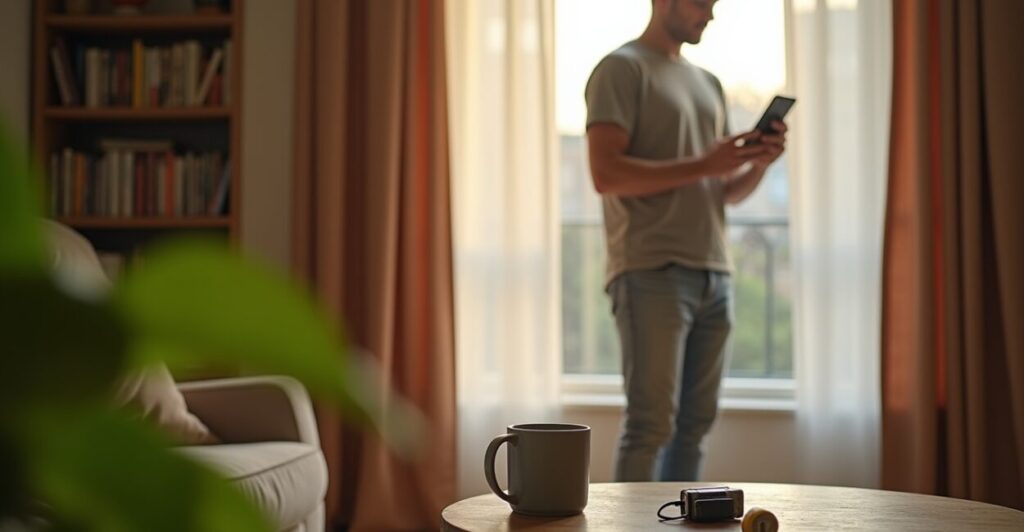
Imagine coming home and your rented apartment already feels smarter than your landlord—no drilling, no deposit, no awkward “can I install this?” conversation. These smart home upgrades turn that tiny living space into something that feels designed: comfort, security, and convenience delivered by gadgets you can plug in, stick on, or peel off when you leave. If you’re a renter, these are the moves that actually matter—practical, affordable, and fully reversible.
1. Plug-in Security Cameras That Actually Respect Your Lease
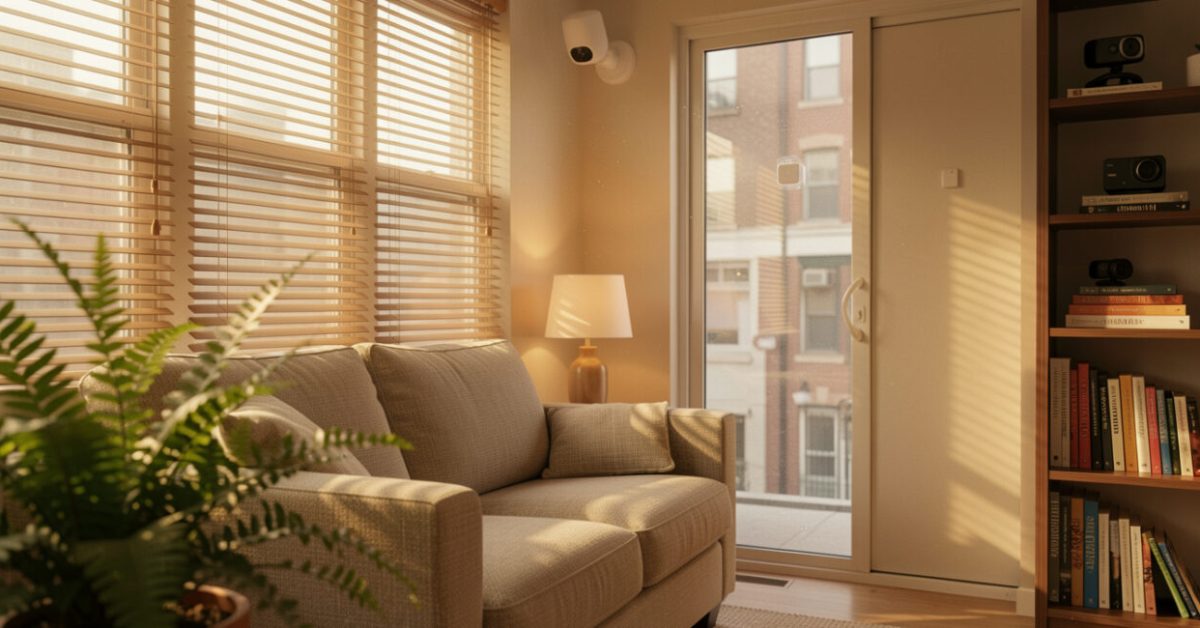
Plug-and-play cameras are the fastest way to add real security without permission slips. Modern models like the Arlo Essential or Eufy Solo use adhesive mounts or tabletop placement and run on plug power or batteries, avoiding permanent installation. Expect features such as 2K video, person detection, and cloud or local storage. For renters, the trade-off is clear: you get deterrence and peace of mind without drilling holes or changing locks. Tip: position one to cover common areas and keep personal items out of frame.
2. Battery-operated Lights That Change Everything After Dark
Good lighting makes a place feel controlled and safe—battery lights give you control when wired fixtures don’t. Stick-on LED light strips, motion-sensor puck lights, and smart bulbs in plug-in lamps let you customize brightness, warmth, and schedules. Expect an instant before/after: a dark hallway that used to feel creepy now welcomes you. Use motion-triggered strips under cabinets or along stair edges for safety, and smart bulbs in lamps for scene-setting without rewiring. Batteries and USB-rechargeable options keep it lease-friendly.

3. Smart Plugs: The Tiny Upgrades with the Biggest ROI
Smart plugs are the simplest way to automate a rental—no electrician, just an outlet. They turn any appliance or lamp into a scheduled, voice-controlled device. Imagine your coffee maker starting five minutes before you wake or a fan that shuts off after an hour. Use them to reduce phantom energy drain and add convenience. Common mistakes: overloading a single plug, pairing too many devices on one hub, or forgetting to secure the Wi‑Fi network. Avoid those and you’ll get efficient, reliable control.
4. Door and Window Sensors for True Peace of Mind
Small sensors create a big sense of safety—installed with adhesive, removed without trace. Magnetic contact sensors stick to frames and alert you when doors or windows open. Paired with a central hub or a camera, they form a discreet security net. They’re also handy for energy savings: get alerts when a window is open while the heat runs. Expect battery life measured in months to years. Installation is typically a peel-and-stick—perfect for lease-friendly setups and instant accountability when you travel.

5. Voice Assistants and Portable Hubs That Follow You
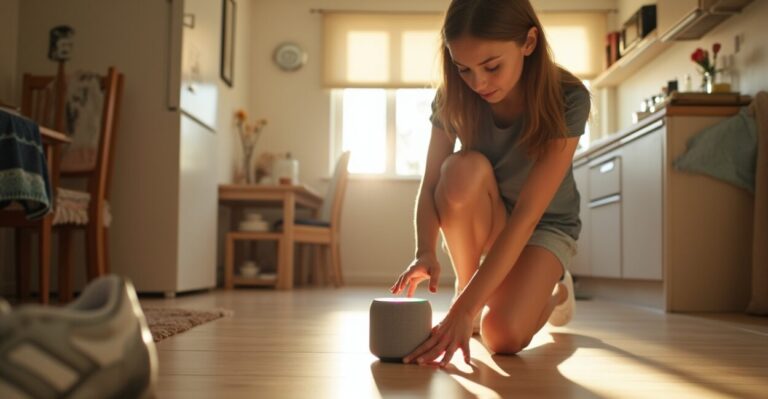
A smart speaker in a rental isn’t just for music; it’s an always-available control center. Devices like Amazon Echo or Google Nest Mini are plug-and-play, and you can move them between rooms—or apartments—without fuss. Use routines to simulate occupancy, control plug-in devices, and trigger scenes with a single phrase. A portable hub also solves a common renter problem: no built-in wiring for smart thermostats. Keep privacy in check by reviewing voice recordings and muting the mic when you need quiet.
6. Battery-powered Smart Thermostats and Portable Climate Control
You can improve comfort without touching the wall thermostat. Smart radiator controllers, plug-in space heaters with timers, and smart fans offer targeted climate control that respects lease rules. Some battery-operated valves work on baseboard systems or radiators without rewiring; portable smart heaters with overheat protection and app controls mimic thermostat features. Expect energy savings when you schedule heat for occupied hours only. The key is targeted comfort—warm the rooms you use, not the whole apartment you don’t.
7. Privacy-first Choices: What to Install and What to Skip
Not every shiny gadget belongs in a rental—know which to avoid and which to embrace. Favor devices that are removable, damage-free, and respectful of shared infrastructure. Avoid hardwired doorbells, permanent cameras pointed at shared spaces, or anything that requires altering doors or wiring. Embrace battery devices, smart plugs, adhesive sensors, and portable hubs. A quick comparison: a hardwired doorbell gives a polished look but risks your deposit; a plug-in camera gives comparable function now and zero headache later. That’s the renter reality.
Common mistakes renters make:
- Installing permanent devices without consent (ask first).
- Overcomplicating setups with too many hubs and apps.
- Placing cameras in private or shared communal areas (privacy risk).
- Forgetting to secure Wi‑Fi and leaving devices on default passwords.
Mini-story: A friend moved into a third-floor walk-up and felt uneasy after a late-night noise. She bought a plug-in camera and two adhesive motion lights, set a routine to light the hallway when motion triggered, and slept through the night for the first time in months. She left everything in place for her security deposit check, unplugged and took the devices when she moved. That night she realized safety sometimes comes in small, temporary investments.
For reliable information on home security best practices, consider guidance from the Federal Trade Commission and research from reputable institutions. For instance, FTC advice on smart devices and privacy explains consumer risks and protections, while studies archived by universities often analyze energy savings from smart plugs and thermostats, such as work found at U.S. Department of Energy.
These seven wire-free wins let you craft a home that responds to you, not the lease. Pick two upgrades, set them up tonight, and you’ll notice the difference by morning. Renters can have comfort, safety, and style—without breaking rules or the bank.
Can I Install Plug-in Cameras in a Rental Without My Landlord’s Permission?
Yes—plug-in cameras that don’t require drilling or wiring are typically allowed, since they’re temporary and non-destructive. Still, consider lease terms and shared-space etiquette: avoid pointing cameras at communal areas or neighbors’ windows. Document the setup (photos before/after) so you can restore the space to its original condition when you move. If in doubt, a quick message to your landlord explaining it’s non-invasive and removable usually avoids conflicts.
Will Smart Plugs Increase My Electricity Bill Significantly?
Smart plugs by themselves use a small amount of standby power, usually less than a standard smart bulb. The real savings come from scheduling and reducing “phantom” standby power from devices left plugged in. Use smart plugs to turn off chargers, TVs, and gaming consoles when not in use—those tiny savings add up. Proper use typically leads to net energy savings, especially when combined with habits like setting devices to auto-off during sleep hours.
How Do I Keep My Portable Smart Devices Secure on Public Wi‑Fi?
Public Wi‑Fi is convenient but risky for smart devices. Avoid connecting your smart home hub or camera to open networks. Use a secure, password-protected personal hotspot or a travel router with WPA3 encryption when possible. If you must use public Wi‑Fi, enable two-factor authentication on device accounts, set strong unique passwords, and disable remote access features that let devices be reached from outside the local network. Regular firmware updates also close security holes.
Are Battery-powered Sensors Reliable Enough for Security Purposes?
Modern battery sensors are surprisingly reliable, often offering months to years of life depending on use. They provide instant alerts when doors or windows open and integrate with cameras and hubs for added verification. For critical entry points, choose sensors with tamper alerts, long battery life, and proven brand support. Remember to test sensors periodically and keep spare batteries on hand—reliability is as much about maintenance as it is about device specs.
What Should I Remove or Reset Before Moving Out to Avoid Deposit Disputes?
Before leaving, unplug and remove all adhesive-mounted devices, peel any non-damaging hooks, and restore furniture and wiring to their original state. Reset smart devices to factory settings to clear your accounts and remove personal data. Take photos documenting the restored condition, and if you made minor alterations, disclose them proactively—landlords appreciate transparency. Doing this reduces deposit disputes and keeps your rental history clean for future references.